Hi, I’m Divya Jain, a Technical Writer working closely with cybersecurity experts and technical teams. I specialize in translating real-world ransomware and data recovery cases into clear, practical insights you can understand and apply.
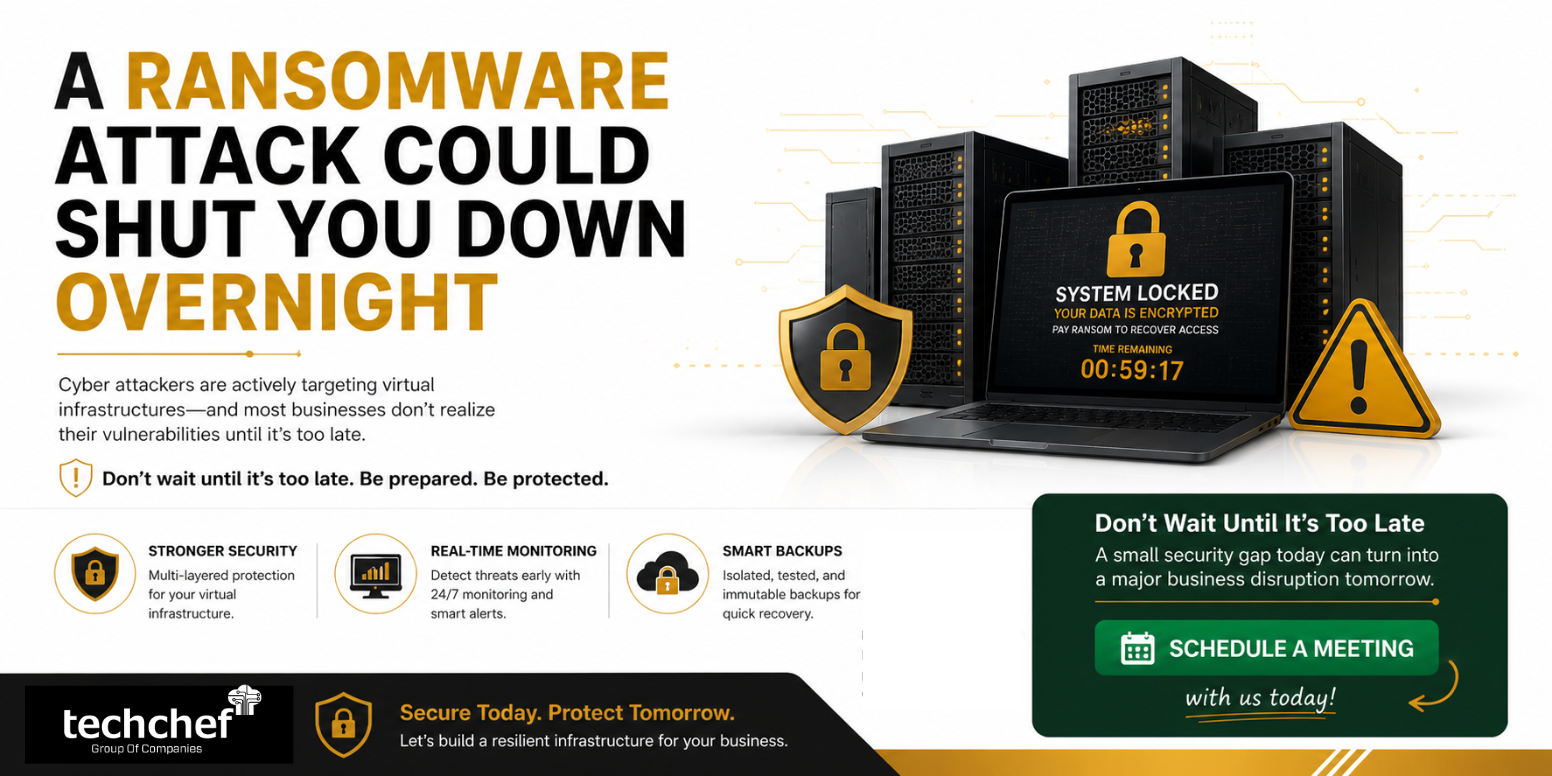
I’ve seen organizations invest heavily in infrastructure, yet overlook a few critical security layers—and that’s exactly where ransomware finds its way in. If you’re running a virtual environment today, whether it’s built on VMware or any other platform, you’re already on the radar of attackers. The uncomfortable truth is this: a single weak point can bring your entire operation to a halt overnight.
Why Virtual Infrastructure Is a Prime Target
From my experience, virtualization has made IT more efficient—but also more centralized. That means if an attacker gets in, they don’t just compromise one system—they potentially control everything.
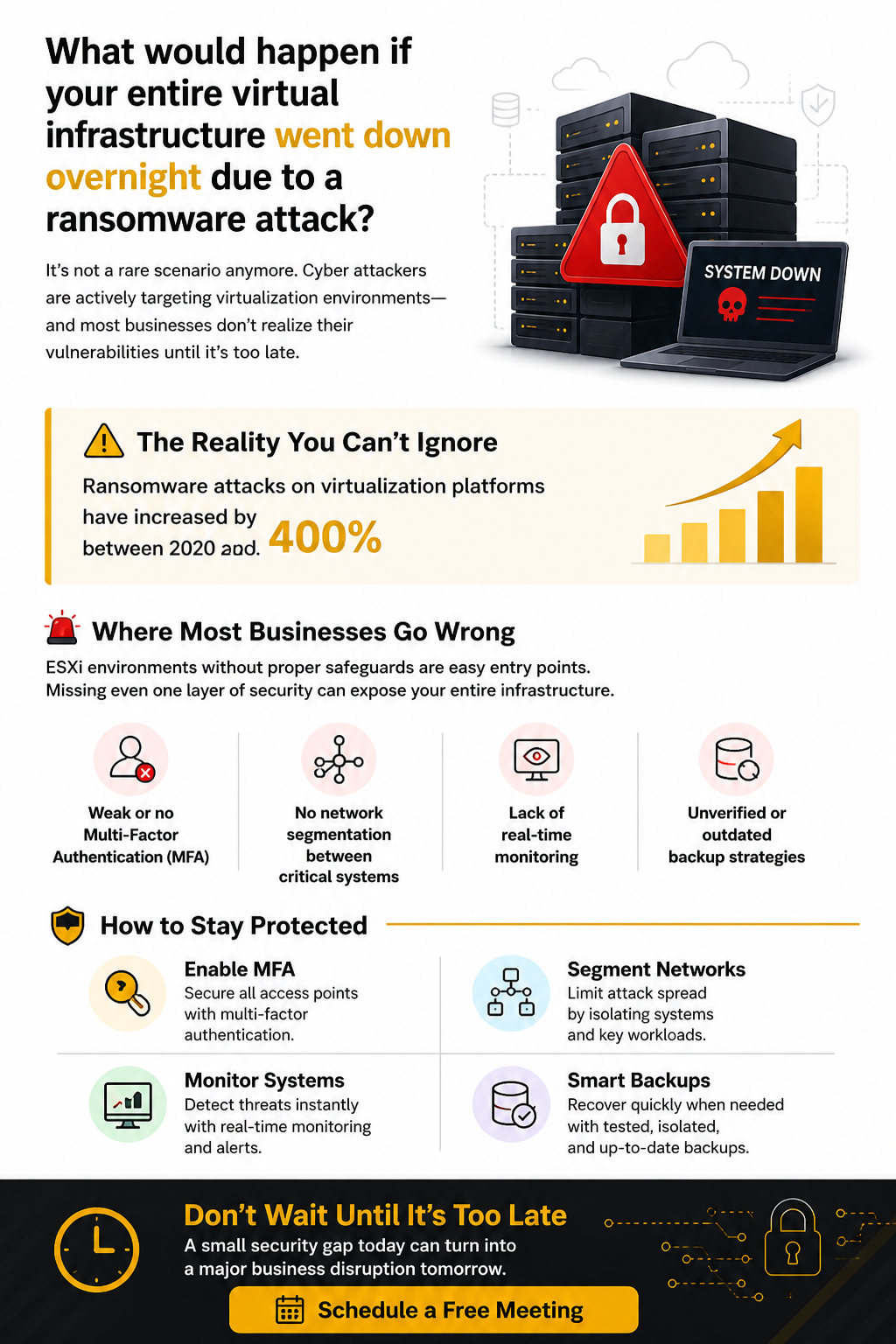
Industry reports show ransomware attacks on virtual environments have surged by over 400% between 2020 and 2023, and the trend is still rising. When I look at recent cases, most of them weren’t caused by sophisticated zero-day exploits—they were due to basic security gaps.
Where Most Businesses Go Wrong
Let me be direct here—most failures are preventable. I’ve worked with teams who believed they were secure, only to realize after an incident that key controls were missing. You might want to check if any of these sound familiar:
- ▪ You don’t have Multi-Factor Authentication (MFA) enabled across all access points
- ▪ Your network isn’t properly segmented, allowing threats to spread quickly
- ▪ There’s no real-time monitoring, so attacks go unnoticed until damage is done
- ▪ Your backups exist—but they’re untested, outdated, or easily accessible to attackers
Even one of these gaps can expose your entire virtual infrastructure. And ransomware doesn’t wait—it exploits, encrypts, and disrupts before you even realize what’s happening.
The Real Business Impact
When we talk to business leaders after an attack, the conversation is never just about data—it’s about downtime, lost revenue, and damaged trust. A single outage can stop operations, delay client deliverables, and create internal chaos. Studies suggest that the average cost of downtime can range from thousands to lakhs per hour, depending on the size of your business.
And here’s something many teams underestimate: recovery isn’t instant. Even with backups, rebuilding systems, validating data, and restoring operations takes time—and every minute matters.
How You Can Stay Protected (Practical + Technical)
The good news is—you don’t need to rebuild your entire infrastructure to reduce risk. From what I’ve seen in real environments, a few focused controls can significantly improve your security posture. I’ll walk you through what we typically recommend, along with practical examples so you can relate this to your own setup.
1. Enable Multi-Factor Authentication (MFA)
If I had to start with just one control, this would be it. In many incidents I’ve reviewed, attackers didn’t “hack” their way in—they simply logged in using stolen credentials. Without MFA, your systems are only as secure as a password, and that’s no longer enough.
When you enable MFA, you’re adding a second verification layer—like a one-time code, mobile approval, or hardware token. So even if someone has your password, they still can’t get in.
Example:
Let’s say your VMware vCenter or remote admin console is exposed internally. An attacker gets valid credentials through phishing. Without MFA, they log in and start encrypting virtual machines. With MFA enabled, that login attempt gets blocked unless they also have the second factor.
What I suggest you do:
- ▪ Enable MFA on all remote access points (VPN, RDP, vCenter, cloud dashboards)
- ▪ Use authenticator apps or hardware tokens instead of SMS where possible
- ▪ Enforce MFA for admin and privileged accounts first
2. Segment Your Network
I often see flat networks where everything is connected—servers, backups, user systems—all in one space. That’s risky. Because once an attacker gets in, they can move laterally without resistance.
Network segmentation means dividing your infrastructure into isolated zones. So even if one part is compromised, the rest stays protected.
Example:
We worked on a case where a single infected endpoint led to the encryption of an entire ESXi cluster. Why? No segmentation. The attacker moved from a user machine to the hypervisor network without restriction.
Now compare that with a segmented setup:
- ▪ User network → isolated
- ▪ Server network → restricted access
- ▪ Backup network → completely separate
In this case, even if one segment is hit, the attacker can’t jump across easily.
What We suggest you do:
-
▪ Separate production, backup, and management networks
-
▪ Restrict access using VLANs and firewall rules
-
▪ Limit admin access to jump servers or bastion hosts
3. Monitor in Real Time
You can’t stop what you can’t see—that’s something We’ve learned the hard way reviewing incidents. Many businesses had security tools in place, but no active monitoring. The attack was happening silently for hours—or even days.
Real-time monitoring helps you detect unusual behavior early—like unauthorized logins, sudden data transfers, or mass file changes.
Example:
An attacker logs into your system at 3 AM from an unusual location and starts creating admin accounts. Without monitoring, this goes unnoticed. With proper alerts, your team gets notified instantly and can block the activity before it escalates.
What We suggest you do:
- ▪ Use centralized logging tools (SIEM solutions)
- ▪ Set alerts for:
- ▪ Multiple failed login attempts
- ▪ Unusual login times or locations
- ▪ Rapid file modifications (common in ransomware)
- Monitor ESXi, vCenter, and backup systems logs regularly
4. Maintain Smart Backups
Backups are your last line of defense—but only if they actually work when you need them. We’ve seen cases where backups existed, but they were either outdated, corrupted, or encrypted along with the primary systems.
A “smart backup strategy” means your data is not just stored—but protected, isolated, and tested.
In one scenario, a company had daily backups—but they were stored on the same network. When ransomware hit, it encrypted both production and backup data. Recovery was impossible.
Now compare that with a better approach:
- ▪ Backups stored offline or in immutable storage
- ▪ Regular testing to ensure restore works
- ▪ Multiple copies across different locations
What We suggest you do:
-
▪ Follow the 3-2-1 rule:
- 3 copies of data
- 2 different storage types
- 1 offsite or offline copy
-
▪ Use immutable backups (cannot be altered or deleted)
-
▪ Test your recovery process regularly—not just backup creation
Case Study: Ransomware Attack on Virtual Infrastructure — Fast Recovery & Zero Data Loss
I recently saw a case handled by my team where a client’s entire virtual infrastructure went down overnight due to a ransomware attack. What looked like a stable setup quickly turned into a full business disruption.
Environment Snapshot
- ▪ Platform: VMware ESXi 7.0 with vCenter (VCSA)
- ▪ Servers: AD-DC01, APP-SQL01, ERP-SRV01, FILE-SRV01
- ▪ Backup: Veeam (not isolated)
- ▪ Storage: iSCSI SAN
What Went Wrong
From my analysis, the attack started with compromised admin credentials. Within hours:
- ▪ Unauthorized access to vCenter
- ▪ ESXi hosts were accessed via SSH
- ▪ Multiple VMs were powered off
- ▪ Datastores and VMDK files got encrypted
The major gaps I found:
- ▪ No MFA on critical systems
- ▪ No network segmentation
- ▪ Backups were accessible and vulnerable
- ▪ No real-time monitoring
How We Recovered
1. Containment
We immediately isolated ESXi hosts, blocked compromised accounts, and cut off network access to stop further spread.
2. Clean Backup Recovery
We identified a safe backup from an offsite repository, rebuilt the ESXi environment, and restored critical servers (AD, SQL, ERP) within 48 hours.
3. Security Hardening Post-recovery, We ensured:
- ▪ MFA across all access points
- ▪ Segmented networks (production, backup, management)
- ▪ Immutable and isolated backups
- ▪ Real-time monitoring and alerts
Sister Company Saved in Advance
While working on this case, I noticed their sister company had the same setup. I proactively helped them fix these gaps—preventing a similar attack before it could happen. – Technical Team
Outcome
- ▪ Business restored in under 48 hours
- ▪ No ransom paid
- ▪ Critical data fully recovered
- ▪ Stronger, secure infrastructure in place
Final Thought
From what I’ve seen, most ransomware incidents don’t happen because companies lack tools—they happen because basic controls aren’t implemented properly. If you focus on these four areas, you’re already ahead of a large percentage of businesses.
And remember, it’s not about being 100% attack-proof—it’s about making your environment resilient enough that even if something happens, your operations don’t come to a standstill.