Imagine this: You walk into your office on a busy Monday morning, expecting another productive day. Your team is ready, the coffee is warm, and deadlines are waiting to be met. But suddenly, your RAID server refuses to respond. Instead of your familiar dashboard, you’re staring at error messages, missing volumes, or, worse, complete silence from the machine that holds your business lifeline.

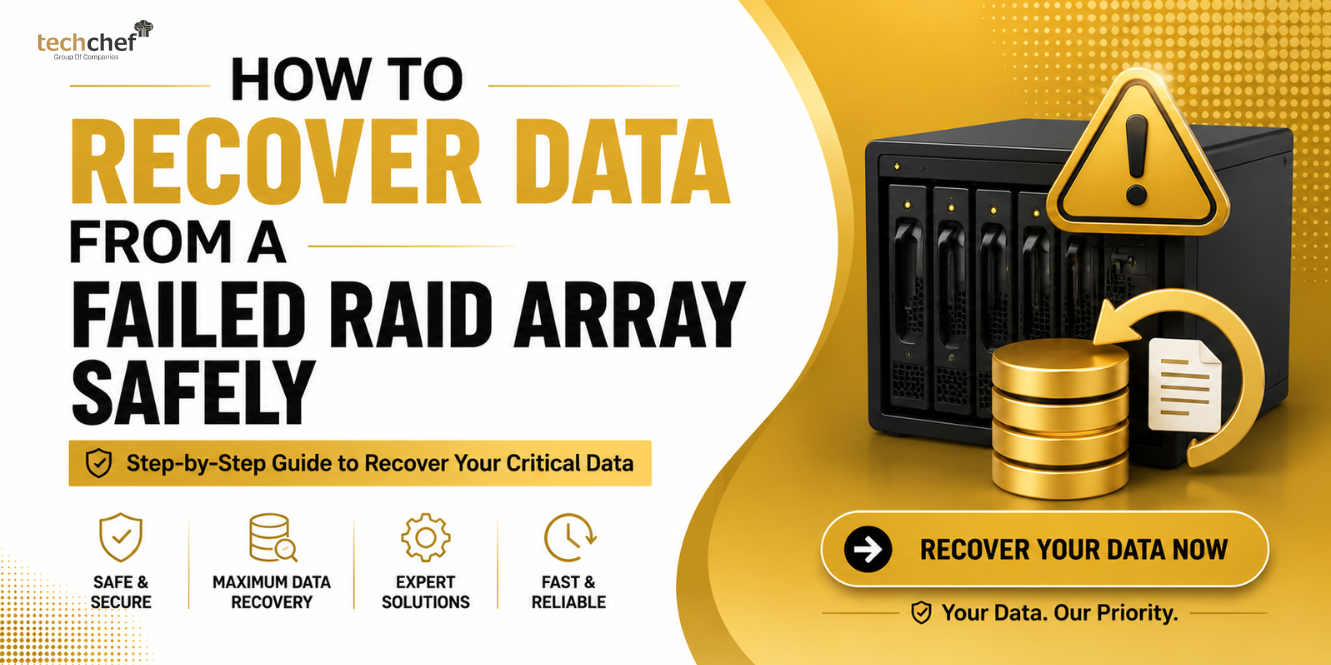
The first thought that hits you is panic: “What about my client records, project files, or that confidential financial report due today?” In moments like these, you feel helpless, almost as if your entire business is hanging by a thread. But here’s the reassuring truth, RAID Server Failed Suddenly? Here’s How You Can Still Save Your Business Data Safely. Yes, recovery is possible, and with the right approach, you can bring back your precious files without risking permanent loss.
Why RAID Servers Fail Suddenly
RAID systems are designed for speed, reliability, and redundancy. But like all technology, they are not invincible. Over the years, I’ve seen countless businesses shocked when their trusted RAID arrays suddenly collapse. Here are the most common causes:
✅ Hardware Failures: A sudden disk crash, failed RAID controller, or even loose cables can knock the system down.
✅ Power Surges or Outages: One unexpected jolt during write operations can disrupt parity and corrupt the array.
✅ Human Errors: Accidentally rebuilding with the wrong parameters or formatting the wrong disk is more common than you’d imagine.
✅ Software or Firmware Glitches: RAID relies heavily on stable software. A corrupted drive or firmware update can cause sudden failure.
✅ Natural Disasters: Overheating due to poor ventilation, water leakage, or even fire accidents can physically damage disks.
💡 Did you know? Nearly 70% of RAID failures happen not due to a single disk crash but because of multiple simultaneous disk failures.
The Immediate Emotional & Financial Impact of RAID Failure
When your RAID server fails suddenly, the first impact is not just technical, it’s deeply emotional and financial. Your team faces unexpected downtime, clients keep calling, and deadlines start slipping.
Financial losses can pile up quickly. Missed project deadlines often mean loss of contracts or penalties. The trust your clients placed in you begins to weaken. And inside the office, IT teams are under immense pressure to deliver a quick fix that doesn’t always exist.
The emotional stress is real. Many business owners confess that their first thought is: “Will my company survive without this data?” That fear is valid, but it is also avoidable when you know the safe steps to take.
The Biggest Mistakes to Avoid After RAID Server Failure
The first few moments after your RAID system goes down are the most critical. Many people, out of stress or urgency, make mistakes that worsen the situation. Let’s break them down one by one:
a) Trying DIY Recovery or Free Tools
It’s tempting to quickly download free recovery software and give it a shot. But here’s the catch, most of these tools are designed for single drives, not complex RAID arrays. Instead of repairing the problem, they often scramble the RAID structure and make professional recovery much harder.
b) Attempting a Rebuild Without Expert Guidance
Rebuilding sounds like the logical step, but if you don’t know the exact disk order, RAID level, or parity details, you can damage the array permanently. Even one wrong setting during a rebuild can overwrite parity blocks and destroy otherwise recoverable files.
c) Ignoring Warning Signs Like Clicking or Grinding Noises
When drives make unusual clicking or grinding sounds, it’s a red flag for physical damage. Many people ignore this and continue running the server, which often leads to complete disk failure. These early signs should never be overlooked.
d) Re-initialising or Formatting in Panic Mode
Some administrators, out of sheer desperation, try to re-initialise or format the array, hoping it will “reset” things. Unfortunately, this erases the metadata and overwrites critical sectors. Once that happens, recovery becomes extremely difficult, sometimes impossible.
⚠️ Emotionally, I know it feels like you have to “do something” right away. But in reality, these actions can turn a recoverable RAID failure into permanent data loss. The safest move is to power down the system and call professionals who specialise in RAID server failure recovery.
First Immediate Steps You Should Take
So, what should you do right after the failure? Here’s a practical list that can save your business data:
1️⃣ Power Off the RAID Server immediately to prevent further write operations.
2️⃣ Note Down Symptoms: Error codes, unusual sounds, and exact messages should be documented.
3️⃣ Do Not Re-initialise the array or format any disk.
4️⃣ Record RAID Configuration: Note disk order, RAID level (RAID 0/1/5/10), and controller details.
💡 Did you know? Even if one or two disks are completely dead, professionals can often rebuild the data if the RAID configuration details are intact.
Why DIY RAID Recovery is Risky for Business Data
I once consulted for a company that lost three weeks of payroll data. Their IT team tried to “rebuild” the RAID with guessed settings, thinking it was a minor glitch. The result? Permanent corruption of critical accounting records.
The reason is simple: RAID data recovery is far more complex than recovering from a single hard drive. The array may use striping, mirroring, or parity across multiple disks. One wrong step, like swapping disk positions, can collapse the entire system.
If your business depends on this data (and most do), it’s safer to seek RAID data recovery services immediately rather than risk total loss with DIY attempts.
How Professional RAID Server Data Recovery Works
When your RAID server failed suddenly, the recovery process is not random guesswork. Professional engineers follow a systematic approach to ensure your data is brought back safely. Here’s how it works step by step:
✅ Initial Assessment
The first step is to carefully analyse the RAID level (RAID 0, 1, 5, 6, or 10), the controller, and the symptoms of failure. This helps experts understand whether the issue is hardware-related, software-based, or both.
✅ Secure Imaging
Before any repair attempt, exact sector-by-sector copies of all the drives are created. This ensures the original disks remain untouched, keeping your data safe even if the recovery process faces challenges later.
✅ Virtual Reconstruction
Using advanced tools, engineers virtually rebuild the RAID array. This step involves aligning the disk order, parity, and striping pattern correctly without making changes to the physical drives.
✅ Data Extraction
Once the RAID is reconstructed, the actual data, your business files, client records, or databases, can be safely copied out. This is done carefully to prevent overwriting or corruption.
✅ Verification & Delivery
The last step is to verify the recovered files for integrity and completeness. Only after ensuring everything works properly do experts deliver the data back to you, usually on a secure external drive.
💡 Did you know? Certified cleanroom labs can even recover data from RAID disks damaged by water, fire, or overheating, giving businesses a second chance even in severe cases.
Why Acting Quickly Improves Recovery Chances
When your RAID server failed suddenly, every hour counts. Acting fast improves the chances of full recovery, while delays can make the situation worse. Here’s why:
✅ Prevents Overwriting of Data
If the server continues to run after failure, new data might overwrite old blocks. Once overwritten, that original information is gone forever, making recovery much harder.
✅ Stops Physical Damage From Worsening
A clicking or grinding hard drive left running will only deteriorate further. Quick action ensures the disks are handled before the damage becomes irreversible.
✅ Reduces Corruption Spread Across the Array
RAID systems rely on parity and striping. If corruption starts in one disk, it can spread through the array. Acting fast keeps this from snowballing into total loss.
✅ Improves Success Rate with Professionals
The earlier experts step in, the higher their chances of reconstructing your RAID properly. Delay often means fewer recoverable files.
How to Choose the Right RAID Recovery Partner
Your business data is too valuable to trust with trial and error. Choosing the right expert partner for RAID server failure recovery makes all the difference. Look for:
✅ Proven Experience
Check whether the provider has handled RAID 0, 1, 5, 6, and 10 systems successfully. Experienced engineers know how to deal with complex failures.
✅ ISO-Certified Cleanroom Labs
Physically damaged disks need dust-free environments. Only cleanroom-certified labs can safely open and repair delicate RAID drives.
✅ Strict Data Confidentiality
Business data often includes sensitive client and financial information. Make sure the recovery partner guarantees privacy and security at every stage.
✅ Nationwide Accessibility
Choose a partner with multiple branches across India so that you get timely service wherever you are. This saves critical hours in emergencies.
How Techchef Can Help
At Techchef, we understand the panic, the sleepless nights, and the pressure you feel when a RAID server fails suddenly. Over the years, we’ve helped thousands of businesses across India recover from the brink of disaster.
Our engineers specialise in RAID data recovery services, using advanced cleanroom technology, secure processes, and years of expertise. Whether it’s a RAID 5 failure, RAID 10 corruption, or controller crash, we can guide you from chaos to relief. With branches in Mumbai, Delhi, Bengaluru, and Chennai, we’re never too far from your business.
Conclusion
When your RAID server failed suddenly, it may feel like the end of the road. The fear of losing client files, contracts, or years of records can be overwhelming. But here’s what you need to hold on to this is not the end. With the right professional support, your data can still be saved safely.
Life in business is full of unexpected challenges, and data loss is one of them. What matters most is how quickly and wisely you respond. Don’t let panic guide your choices. Take the safer route, act immediately, and trust specialists who know how to bring your business back on track.
👉 Call us today at Techchef’s Toll-Free Number: 1800-313-1737 or visit www.techchef.in for expert RAID server data recovery.
FAQs
- Can RAID 5 or RAID 10 data be recovered after multiple disk failures?
Yes, in most cases. Professionals can rebuild arrays even with multiple failed disks, depending on the damage. - How long does RAID server recovery take?
The time varies from 2–10 days depending on RAID level, damage extent, and number of disks. - Is 100% data recovery possible in all cases?
Not always, but with professional expertise, the success rate is very high—especially if no DIY attempts were made. - Will my confidential business files remain safe?
Absolutely. Trusted providers like Techchef follow strict confidentiality agreements and secure handling protocols. - Can ransomware-hit RAID arrays be recovered?
Yes. Specialists use advanced tools to recover encrypted or corrupted RAID data caused by ransomware.