Have you ever turned on your computer and suddenly heard a strange “click… click… click” sound coming from your hard drive?
If yes, your first thought is probably: “Is my data gone forever?”
I have seen this situation many times while working with storage devices and data recovery cases. The moment a hard drive starts making clicking noises, panic begins — especially when important files, office data, family photos, or business documents are stored inside that drive.
The truth is — a clicking hard drive does not always mean your data is permanently lost. In many cases, data can still be recovered if the correct steps are taken quickly.
In this guide, I will explain in simple language:
- ⚠️ Why a hard drive makes clicking noises
- ⚠️ What the clicking sound actually means
- ⚠️ What mistakes you must avoid immediately
- ⚠️ Whether data can still be recovered
- ⚠️ When to contact a professional data recovery lab
What Does a Clicking Hard Drive Sound Like?
A clicking hard drive usually produces repetitive sounds like:
- ⚠️ Click… Click… Click…
- ⚠️ Tick… Tick… Tick…
- ⚠️ Clicking every few seconds
This sound typically comes from inside the drive when the read/write head repeatedly tries to access the disk platter but fails.
Many engineers call this problem the “Click of Death.”
It is one of the most common signs of a failing mechanical hard drive.
Why Is My Hard Drive Making Clicking Noise?
There are several technical reasons why a hard drive begins clicking. Let’s understand the most common causes.
1. Read/Write Head Failure
The read/write head inside a hard drive is responsible for reading data from the disk platters.
If the head becomes damaged or misaligned, it repeatedly tries to recalibrate itself, producing the clicking sound.
This is one of the most common reasons behind clicking noises.
2. Physical Damage
If the hard drive was:
- 🔹 Dropped
- 🔹 Hit or shaken
- 🔹 Exposed to vibration
Internal components may shift or break. This can cause the drive head to crash or malfunction.
3. Firmware Corruption
Sometimes the internal firmware of the hard drive becomes corrupted.
When this happens, the drive cannot properly initialize itself during startup, resulting in clicking sounds.
4. Power Issues
Insufficient or unstable power supply can prevent the hard drive from spinning correctly.
This causes the internal components to reset repeatedly, which may produce clicking noises.
5. Platter Damage
If the disk platter itself gets scratched or damaged, the read/write head cannot read the data correctly.
The drive keeps retrying, leading to repeated clicking sounds.
Hard Drive Clicking But Still Working – Is It Safe?
Sometimes users report that their hard drive is clicking but still accessible.
This is actually a very dangerous stage.
The drive may continue working temporarily, but the internal damage is usually increasing. If the drive completely fails, recovering data becomes much more complicated.
If you notice clicking sounds but the drive is still accessible, the safest step is to immediately backup all important data.
Hard Drive Clicking and Not Detected – What Does It Mean?
If your hard drive is clicking and:
- 🔹 Not detected in BIOS
- 🔹 Not visible in Windows or Mac
- 🔹 Computer fails to boot
It usually indicates a serious hardware failure.
In such cases, DIY recovery attempts often worsen the damage.
Professional data recovery labs use specialized tools and clean room environments to safely recover the data.
Common Mistakes That Can Destroy Your Data
When users hear clicking sounds, they often try quick fixes found on the internet. Unfortunately, some of these methods can permanently destroy data.
Here are mistakes you should avoid.
1. Repeatedly Restarting the Drive
Each restart causes the damaged head to scrape the platter again, potentially destroying more data.
2. Opening the Hard Drive at Home
Hard drives must only be opened inside a clean room lab. Even tiny dust particles can damage the platters permanently.
3. Using Random Recovery Software
Recovery software works only in cases of logical data loss. If the issue is mechanical, software tools will not help.
4. Freezer Trick
You might have heard about putting the hard drive in a freezer. This is an outdated myth and can damage the drive further.
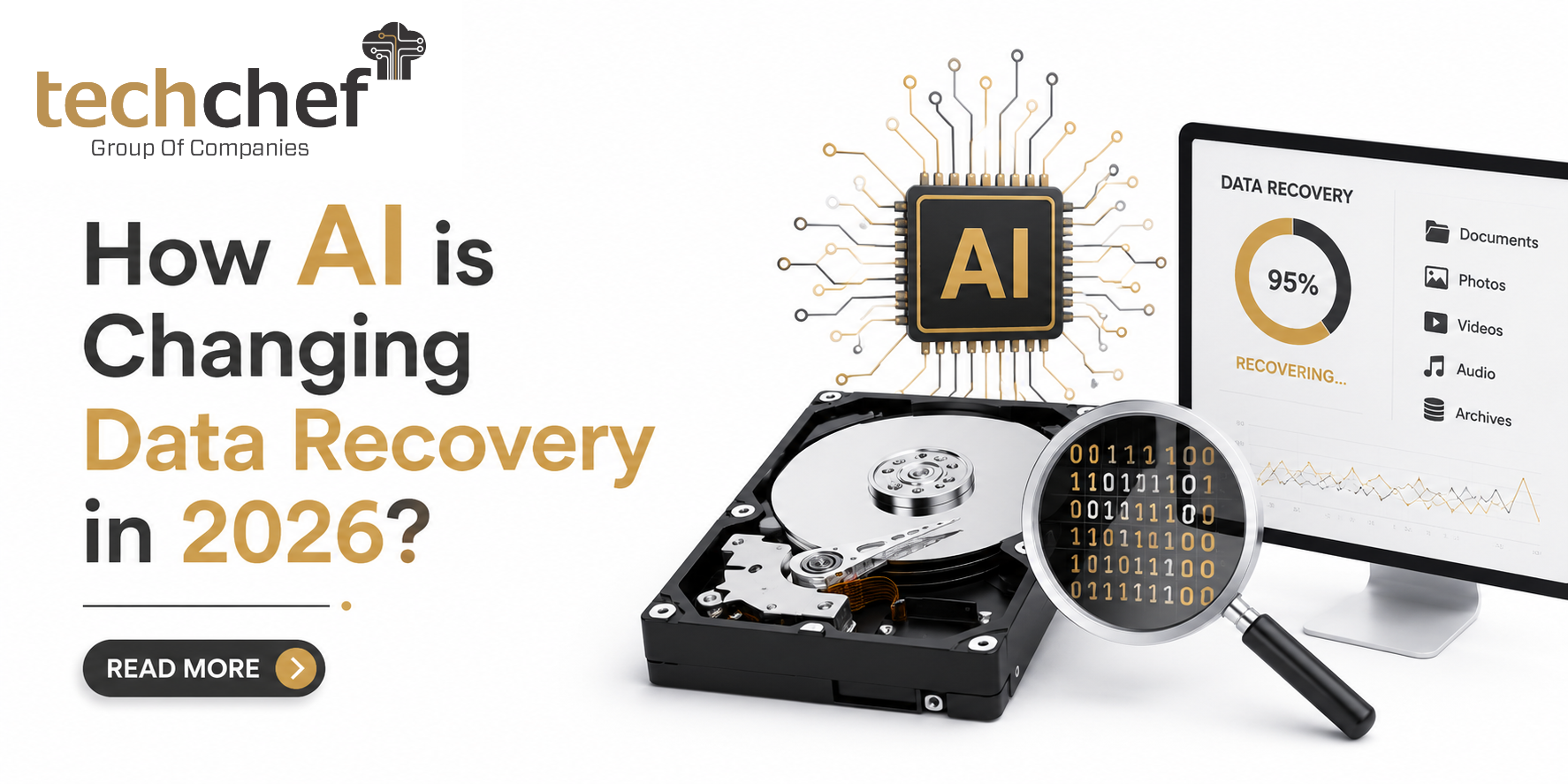
Can Data Be Recovered from a Clicking Hard Drive?
Yes — in many cases, data can still be recovered.
Professional data recovery labs use advanced techniques such as:
- 🔹 Head replacement
- 🔹 Firmware repair
- 🔹 Platter imaging
- 🔹 Advanced data extraction tools
The success rate largely depends on:
- 🔹 Extent of physical damage
- 🔹 Whether the drive was opened outside
- 🔹 Number of recovery attempts already made
- 🔹 Condition of platters
The earlier the recovery process begins, the higher the chances of success.
Real Data Recovery Scenario
Recently, a business client contacted a data recovery team after their external hard drive began making loud clicking noises.
The drive contained:
- ✅ Important financial data
- ✅ Client documents
- ✅ Business backups
The system stopped detecting the drive completely.
After diagnosing the drive inside a professional recovery lab, engineers found that the read/write head had failed.
The damaged head was replaced inside a controlled environment, and a sector-by-sector disk image was created.
Fortunately, more than 95% of the data was successfully recovered.
How Much Does Clicking Hard Drive Data Recovery Cost?
The cost depends on several factors:
- ✅ Drive capacity
- ✅ Type of damage
- ✅ Parts replacement requirement
- ✅ Recovery complexity
In India, professional recovery for physically damaged drives may range from ₹8,000 to ₹50,000 or more depending on the case.
How to Prevent Hard Drive Failure
Although hard drives eventually fail, proper precautions can reduce risks.
- ✅ Maintain regular backups
- ✅ Avoid dropping external drives
- ✅ Use stable power supply
- ✅ Keep drives away from heat and moisture
- ✅ Monitor drive health regularly
Having a backup strategy is always cheaper than professional recovery.
When Should You Contact a Data Recovery Expert?
You should immediately consult professionals if:
- ✅ Your hard drive is making clicking noises
- ✅ The drive is not detected
- ✅ Important data is inaccessible
- ✅ The system cannot boot
Continuing to use a failing drive can reduce recovery chances.
Need Professional Help? Connect with Techchef Data Recovery Experts
If your hard drive is making clicking sounds and you are worried about losing important data, it is best not to experiment with risky solutions.
Professional recovery labs have specialized equipment, donor parts, and controlled environments required to safely retrieve data from physically damaged drives.
If you are facing hard drive failure, RAID issues, server crashes, or storage device data loss, you can connect with the experienced recovery team at Techchef Data Recovery. Their experts analyze the problem and recommend the safest recovery approach based on the condition of the drive.
Early diagnosis can significantly improve recovery chances and help prevent permanent data loss.
If your hard drive is clicking, do not panic — but act quickly and consult professionals before the damage becomes irreversible.